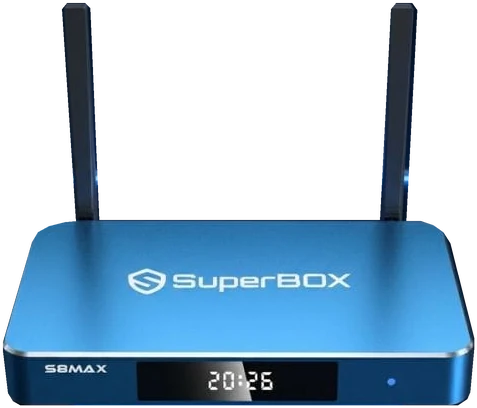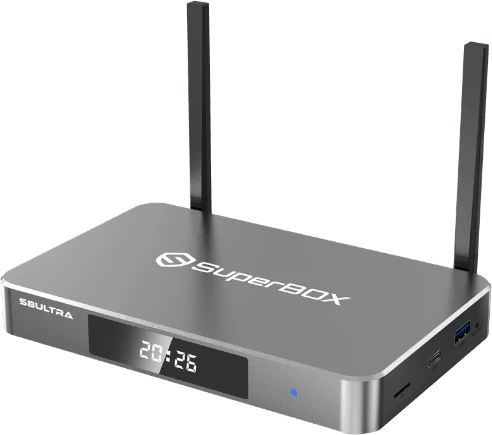
SuperBox S8 Plus
$379
4 GB RAM64 GB storage
Double the storage. Full Multi-View and enhanced sports app support.
4 GB RAM · 32 GB Storage · Limited Multi-View
Your everyday setup starts here.
Review your order before payment.
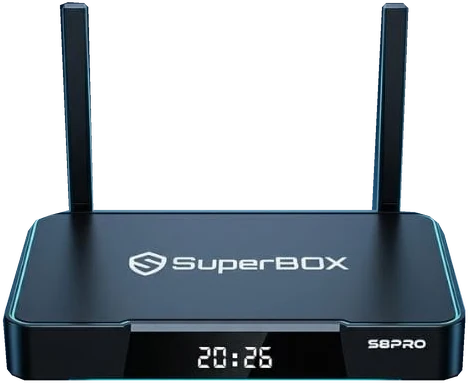
The SuperBox S8 Pro fits a main or second TV where you mainly use a handful of apps. The matte black case has a front LED clock, two external antennas, and separate connections for your TV, network, and compatible storage accessories. If you routinely save large files or install a wide range of apps, consider the 64 GB Plus before buying.
Install the apps you use most and leave room for software updates. The operating system and app data use part of the advertised capacity.
The side panel has a USB-C data port beside the full-size USB 3.0 connection. Connect the supplied power adapter to the rear power input.
Use the TF slot with a compatible microSD card or connect a supported USB drive to play local files. An app may still require internal storage for its own downloads.
HDMI sends picture and sound to a compatible TV or receiver. The rear panel also offers optical S/PDIF and analog AV for compatible equipment.
Use dual-band Wi-Fi 6 if the box sits away from the router. Gigabit Ethernet gives you a wired option when you can run a cable to the TV stand.
See the clock on the front panel and use the paired remote for supported voice commands. App support determines where voice input works.
| Processor | Quad-core ARM Cortex-A53 |
|---|---|
| Graphics | Mali-G31 MP2 |
| Memory (RAM) | 4 GB |
| Internal storage | 32 GB |
| Operating system | Android 12 |
| Wi-Fi | Wi-Fi 6 |
| Wired network | Gigabit Ethernet |
| Bluetooth | Bluetooth 5.2 |
| Video output | HDMI |
| Video decoder | H.265, rated up to 6K at 60 fps |
| Other A/V connections | Optical S/PDIF and analog AV |
| USB data | USB-C + USB 3.0 |
| Memory card slot | TF (microSD) |
| Power input | USB-C |
| Front panel | LED clock display |
| Antennas | Two external antennas |
| Remote | Voice remote |
| Enclosure finish | Matte black |
| Full Multi-View* | Limited |
| Enhanced Sports App Support* | No |
The decoder rating describes supported input media. Output resolution depends on the app, source, HDMI connection, and display.
USB data ports and power inputs perform different jobs. Use the supplied power adapter and check the port labels on your device. Connector details follow the manufacturer’s S8 comparison and setup guides.
*Multi-View and Enhanced Sports App Support depend on compatible applications, firmware, supported content and applicable permissions. Third-party services and subscriptions are separate from the hardware purchase.
If the TV shows no picture, check the selected HDMI input and reseat the cable at both ends before changing any settings.
Paid third-party services may require separate subscriptions.
The S8 Pro keeps the comparable S7 Pro’s 32 GB capacity and adds S8 viewing tools, including Multi-View on selected compatible sources. Moving from the S8 Pro to the Plus doubles built-in capacity. Choose the Max when you want 64 GB with separate USB-C power and data ports.
No. Connect it to a compatible HDMI input and select that input on your TV. Set up the network and apps on the SuperBox.
A compatible card gives your media files a place to live. Apps, their updates, and some app downloads still use internal space.
The S8 Pro supports these tools on selected compatible sources. Check what the app permits before relying on simultaneous playback.
Yes, with a compatible audio path. You can route HDMI audio through the TV or receiver, or use optical audio when the inputs and supported formats match.
The Plus is a better fit if you want 64 GB for a larger app library or have two compatible accessories with full-size USB-A plugs.
The purchase includes the hardware and listed accessories. Paid third-party services may require a separate account and subscription.
See the differences in storage, ports, and controls.
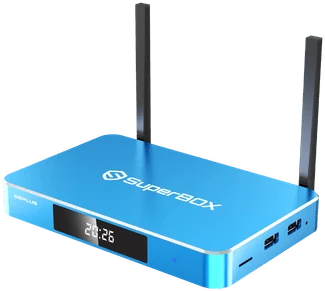
Double the storage. Full Multi-View and enhanced sports app support.