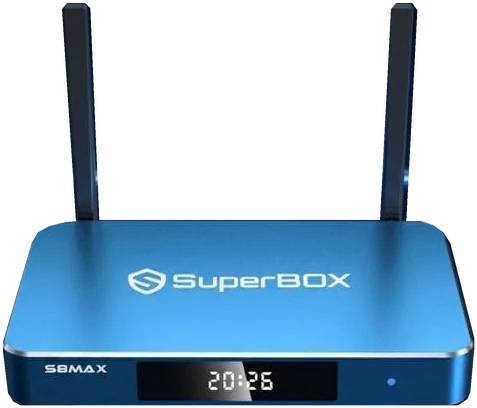
Choose 64 GB of storage with separate USB-C power and data ports for your setup.
Flexible connections. More possibilities.
Review your order before payment.
The SuperBox S8 Max is the 64 GB S8 for buyers who prefer USB-C connections for power and compatible accessories. Its blue case has a front LED clock and vents along the sides. With HDMI, Gigabit Ethernet, and dual-band Wi-Fi 6, it works for a fixed living-room setup or a compatible second display.
Use supported simultaneous viewing tools where your apps and content permissions allow them. Check the available layouts and sources in your software.
The rear USB-C power input takes the included adapter. The side USB-C data port and USB 3.0 port are for supported accessories such as storage drives.
Keep a mid-sized app library on the device. Use compatible microSD storage for supported files where your app allows it.
Run Ethernet to the router when a cable reaches the TV area. Dual-band Wi-Fi is available when you need more freedom in where you place the box.
Feed picture and sound over HDMI or use the rear optical audio connection with compatible equipment. Choose audio settings your TV, soundbar, or receiver supports.
The front clock is easy to see when the unit sits on the TV stand. Leave clearance around the vents, upright antennas, and side connectors.
| Processor | Quad-core ARM Cortex-A53 |
|---|---|
| Graphics | Mali-G31 MP2 |
| Memory (RAM) | 4 GB |
| Internal storage | 64 GB |
| Operating system | Android 12 |
| Wi-Fi | Wi-Fi 6 |
| Wired network | Gigabit Ethernet |
| Bluetooth | Bluetooth 5.2 |
| Video output | HDMI |
| Video decoder | H.265, rated up to 6K at 60 fps |
| Other A/V connections | Optical S/PDIF and analog AV |
| USB data | USB-C + USB 3.0 |
| Memory card slot | TF (microSD) |
| Power input | USB-C |
| Front panel | LED clock display |
| Antennas | Two external antennas |
| Remote | Voice remote |
| Enclosure finish | Blue |
| Full Multi-View* | Full |
| Enhanced Sports App Support* | Yes |
The decoder rating describes supported input media. Output resolution depends on the app, source, HDMI connection, and display.
USB data ports and power inputs perform different jobs. Use the supplied power adapter and check the port labels on your device. Connector details follow the manufacturer’s S8 comparison and setup guides.
*Multi-View and Enhanced Sports App Support depend on compatible applications, firmware, supported content and applicable permissions. Third-party services and subscriptions are separate from the hardware purchase.
Start with one source working reliably before testing Multi-View. Check a wired connection if simultaneous playback is inconsistent on Wi-Fi.
Paid third-party services may require separate subscriptions.
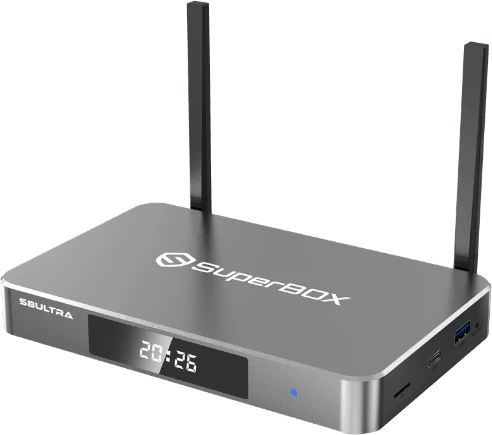
Compared with the S8 Plus, the Max keeps 64 GB of storage and 4 GB of RAM while changing the power and data connections. The S8 Ultra also has USB-C connections and doubles storage to 128 GB. Its backlit remote is the other clear reason to move up.
See the differences in storage, ports, and controls.
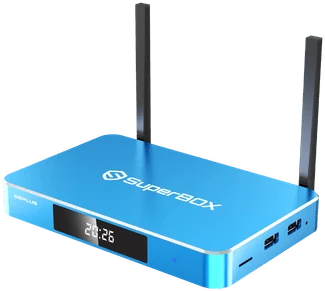
Double the storage. Full Multi-View and enhanced sports app support.