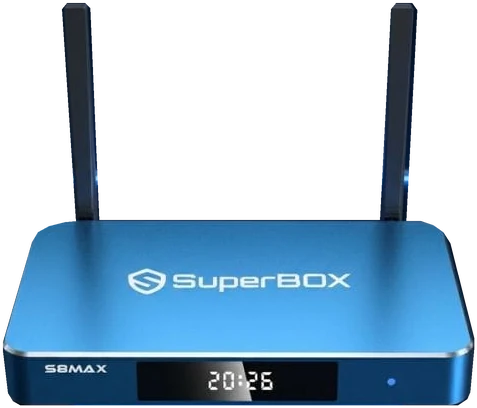
The flagship S8 combines 128 GB of storage with a backlit voice remote for low-light viewing.
Review your order before payment.
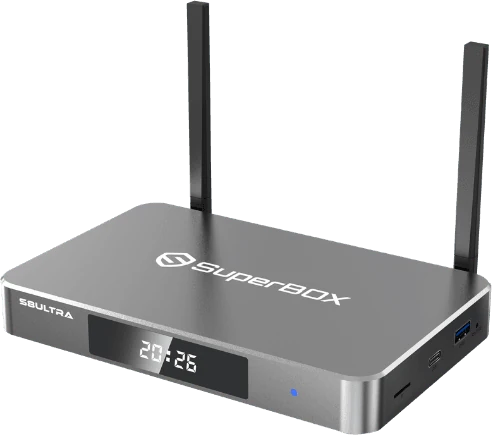
The silver SuperBox S8 Ultra is the highest-capacity S8. It suits a main TV or media room where you keep a large app library, save compatible local files, or use the remote with the lights down. It shares the S8 Max’s connector layout, with twice the built-in storage and illuminated controls.
The Ultra gives you twice the Max’s advertised capacity. That leaves more headroom for apps, updates, and the downloads your apps allow you to retain.
Illuminated buttons make the controls easier to find in a dim room. Pair the remote during setup to use supported voice commands.
Use Multi-View and picture-in-picture with compatible sources. Recording and other playback controls depend on app support, rights, and available storage.
Connect a supported drive or microSD card for compatible local files. Plug the supplied adapter into the separate rear power input.
The side vents and rear antennas need room around them. The silver finish and front LED clock make this model easy to identify in a multi-device installation.
Connect the TV by HDMI and choose Wi-Fi 6 or Gigabit Ethernet. A compatible soundbar or receiver can take optical audio when your setup calls for it.
| Processor | Quad-core ARM Cortex-A53 |
|---|---|
| Graphics | Mali-G31 MP2 |
| Memory (RAM) | 4 GB |
| Internal storage | 128 GB |
| Operating system | Android 12 |
| Wi-Fi | Wi-Fi 6 |
| Wired network | Gigabit Ethernet |
| Bluetooth | Bluetooth 5.2 |
| Video output | HDMI |
| Video decoder | H.265, rated up to 6K at 60 fps |
| Other A/V connections | Optical S/PDIF and analog AV |
| USB data | USB-C + USB 3.0 |
| Memory card slot | TF (microSD) |
| Power input | USB-C |
| Front panel | LED clock display |
| Antennas | Two external antennas |
| Remote | Backlit voice remote |
| Enclosure finish | Silver |
| Full Multi-View* | Full |
| Enhanced Sports App Support* | Yes |
The decoder rating describes supported input media. Output resolution depends on the app, source, HDMI connection, and display.
USB data ports and power inputs perform different jobs. Use the supplied power adapter and check the port labels on your device. Connector details follow the manufacturer’s S8 comparison and setup guides.
*Multi-View and Enhanced Sports App Support depend on compatible applications, firmware, supported content and applicable permissions. Third-party services and subscriptions are separate from the hardware purchase.
Pair the remote and test the backlit controls and audio during setup. If dialogue plays through the wrong speakers, check the TV’s audio output and the receiver’s input.
Paid third-party services may require separate subscriptions.
The S8 Ultra and Max list the same processor family and 4 GB of RAM. Choose the Ultra for 128 GB instead of 64 GB or for the backlit voice remote. If neither matters in your setup, the Max offers the same main connection options.
See the differences in storage, ports, and controls.
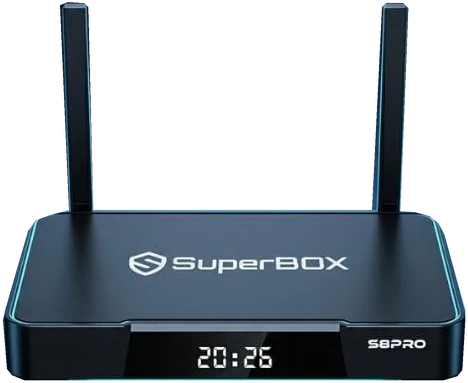
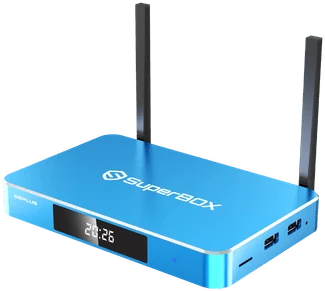
Double the storage. Full Multi-View and enhanced sports app support.