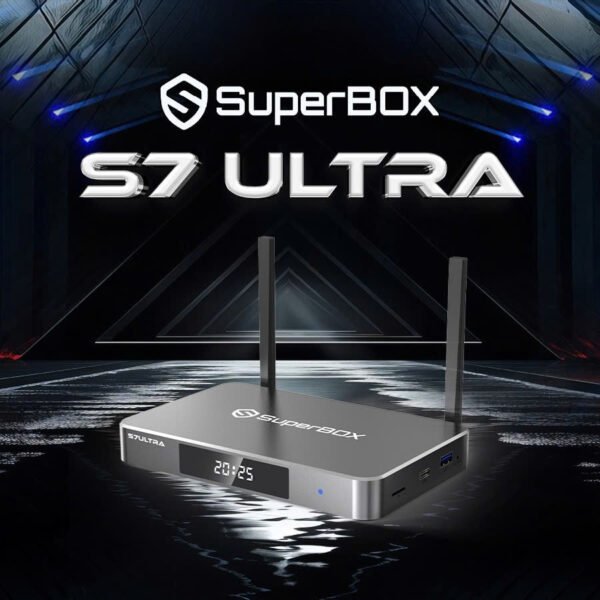
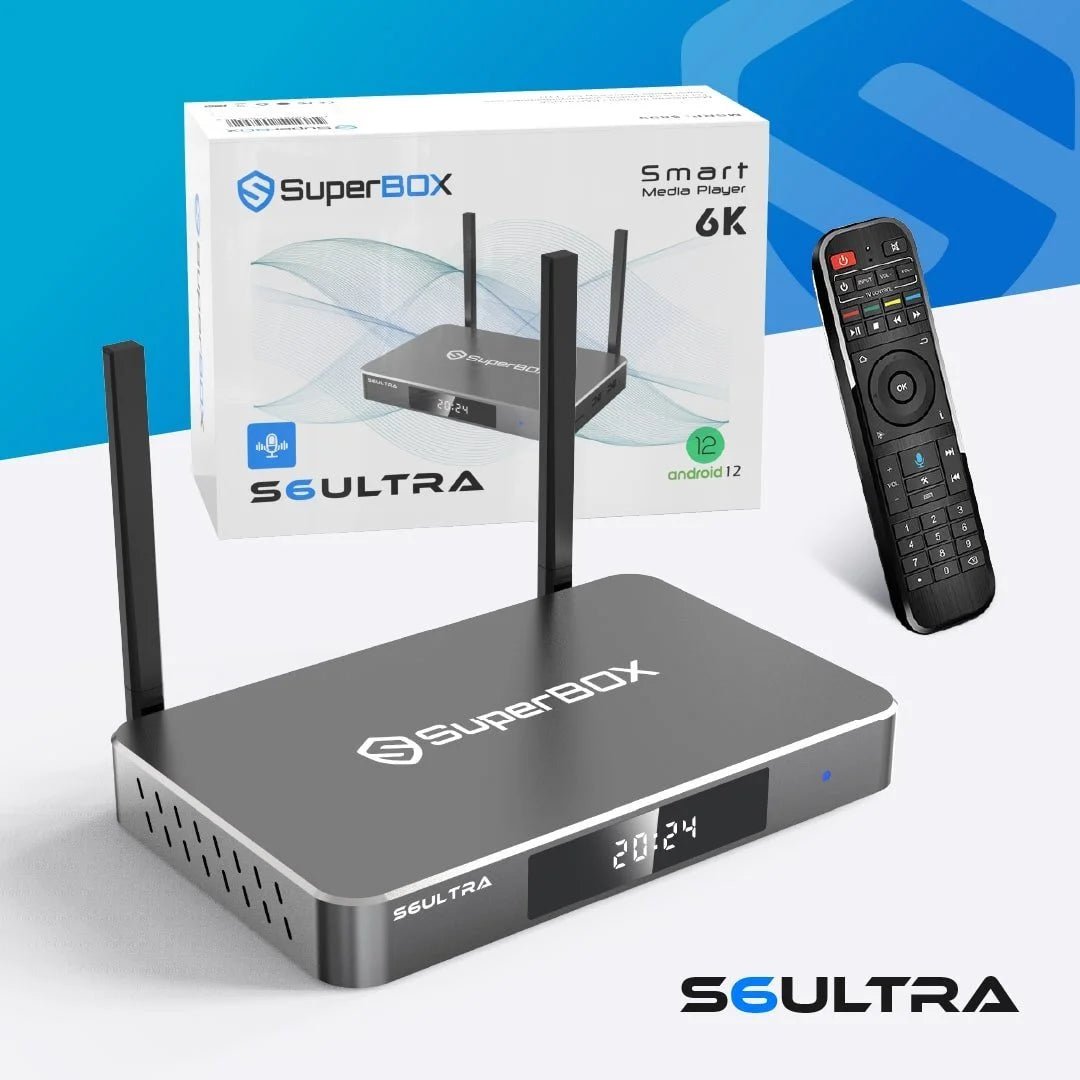
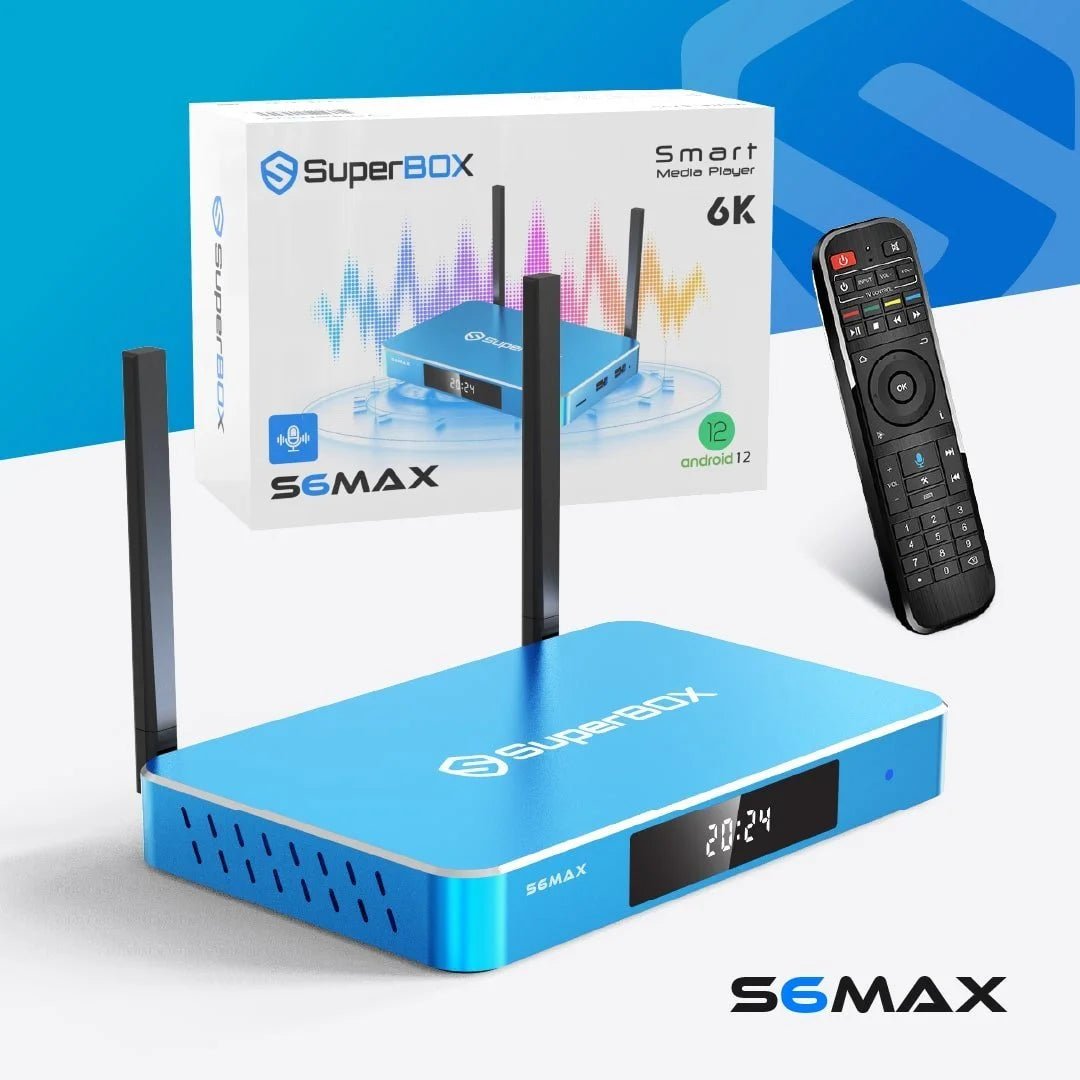
SuperBox S6 Pro Setup Guide: From Unboxing to Streaming in 5 Minutes
Streaming technology has transformed the way people watch television and access entertainment. Devices like the SuperBox S6 Pro make it easy to enjoy movies, live TV, and apps on a single platform without complicated installations. However, many first-time buyers feel uncertain about how to get started after opening the box.
This complete SuperBox S6 Pro setup USA guide walks you through everything you need to know—from unboxing your device to streaming your favorite content within minutes. With the right setup process, even beginners can configure their device quickly and enjoy seamless entertainment.
Whether you are new to Android TV devices or upgrading from another streaming box, understanding the setup process helps you get the most out of your device. In this guide, you will learn how to connect SuperBox to Wi-Fi, install essential apps, complete the first-time setup, and follow helpful Android TV beginner tips for smoother performance.
Before starting the setup process, it’s helpful to familiarize yourself with the product and the streaming solutions available. You can explore device features and streaming options directly through the official website at SuperBox official streaming platform.
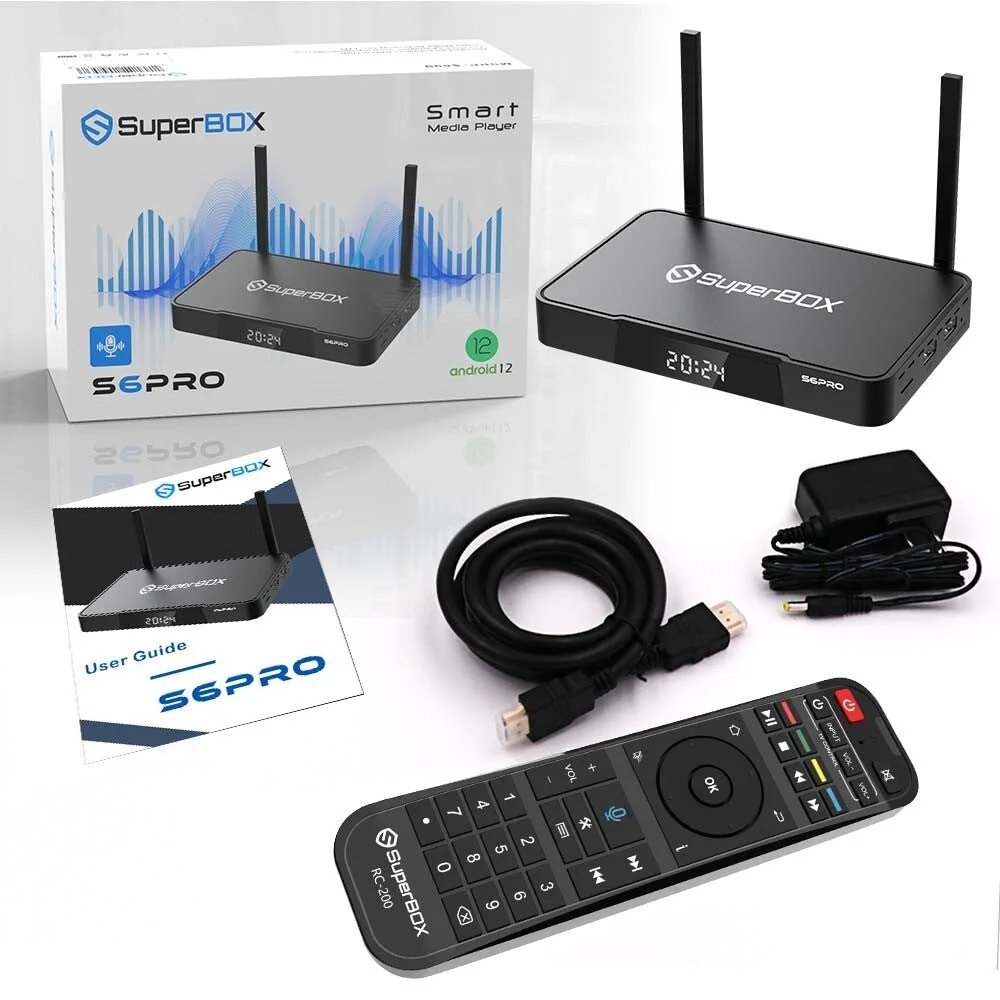
What Comes in the SuperBox S6 Pro Package
The first step in the SuperBox S6 Pro setup USA process is understanding the components included in the box. Each package contains the essential accessories needed to connect the device and start streaming immediately.
Standard Package Contents
- SuperBox S6 Pro streaming device
- Remote control
- HDMI cable
- Power adapter
- User manual
- Batteries for the remote
Before starting the installation process, make sure all components are available and in good condition.
Once everything is ready, you can begin the first-time setup process and prepare your device for streaming.
Step 1: Connect SuperBox S6 Pro to Your TV
The first stage of the SuperBox S6 Pro setup USA process is connecting the device to your television.
How to Connect the Device
- Place the SuperBox near your TV.
- Insert the HDMI cable into the SuperBox device.
- Connect the other end of the HDMI cable to your TV’s HDMI port.
- Plug the power adapter into the SuperBox.
- Turn on your television and select the correct HDMI input.
After completing these steps, your TV screen should display the SuperBox startup interface.
This simple installation process ensures that your streaming device is ready for the next step: connecting to the internet.
For additional device information and updates, you can also visit SuperBox official website.
Step 2: How to Connect SuperBox to Wi-Fi
A stable internet connection is essential for smooth streaming. One of the most important steps in SuperBox S6 Pro setup USA is learning how to connect SuperBox to Wi-Fi.
Steps to Connect to Wi-Fi
- Navigate to the device settings menu.
- Select the network or Wi-Fi option.
- Choose your home Wi-Fi network from the list.
- Enter the Wi-Fi password using the remote.
- Confirm the connection.
Once connected, the system will automatically establish internet access, allowing you to stream online content and install apps.
For better streaming performance, ensure that your Wi-Fi signal is strong and stable.
Step 3: Complete the First-Time Setup Process
After connecting to the internet, the next stage in SuperBox S6 Pro setup USA is completing the first-time setup process.
Initial Configuration Steps
- Select your preferred language
- Adjust display settings if necessary
- Update the device software
- Set time and region preferences
- Sync remote control functions
Completing these steps ensures the device operates smoothly and provides the best user experience.
The first-time setup process typically takes only a few minutes and prepares the device for app installation and streaming.
Step 4: Install Apps on SuperBox S6 Pro
One of the major advantages of Android-based streaming devices is the ability to install multiple applications. During the SuperBox S6 Pro setup USA process, installing the right apps ensures you can access your favorite content.
How to Install Apps
- Open the app store or app management section.
- Search for the application you want.
- Select the app and click install.
- Wait for the download to complete.
- Launch the app from the home screen.
Installing apps allows users to access streaming services, entertainment platforms, and other digital content directly from the device.
You can explore the full device features and specifications through SuperBox S6 Pro product page.
Step 5: Optimize Streaming Settings for Better Performance
After completing the first-time setup, optimizing system settings improves streaming performance.
Recommended Optimization Settings
- Adjust display resolution for your TV
- Enable automatic software updates
- Clear background apps when necessary
- Manage installed apps to save storage
Following these Android TV beginner tips ensures smooth performance and reduces buffering issues.
Maintaining proper settings helps maximize the capabilities of the SuperBox device.
Android TV Beginner Tips for New Users
If you are new to Android-based streaming devices, a few simple Android TV beginner tips can improve your overall experience.
Helpful Tips for New Users
- Use voice search for faster navigation
- Customize the home screen layout
- Keep apps updated for better performance
- Restart the device occasionally for smoother operation
- Use parental control features if needed
These adjustments make it easier to navigate the interface and enjoy uninterrupted entertainment.
Troubleshooting Common SuperBox Setup Issues
Sometimes users may experience minor issues during the SuperBox S6 Pro setup USA process. Fortunately, most problems can be solved quickly with simple troubleshooting.
Common Setup Issues and Solutions
WiFi Not Connecting
- Restart your router
- Re-enter the WiFi password
- Move the device closer to the router
No Signal on TV
- Confirm the HDMI cable is securely connected
- Switch to the correct HDMI input on the TV
Apps Not Installing
- Check internet connection
- Restart the device
- Ensure enough storage space is available
Understanding these troubleshooting steps ensures users can quickly resolve minor issues during setup.
Why SuperBox S6 Pro Is Ideal for Beginners
The SuperBox S6 Pro setup USA process is designed to be simple and beginner friendly. The device interface is intuitive, allowing users to navigate menus and access apps easily.
Key Features That Make Setup Easy
- Simple plug-and-play installation
- User-friendly Android interface
- Fast WiFi connectivity
- Access to multiple streaming apps
- Remote control with easy navigation
These features make the device suitable for both beginners and experienced streaming users.
You can also explore other devices and accessories through SuperBox product collection.
Maintaining Your SuperBox for Long-Term Performance
Once the SuperBox S6 Pro setup USA process is complete, maintaining the device ensures consistent streaming performance.
Maintenance Tips
- Keep the device updated with the latest software
- Avoid installing unnecessary apps
- Restart the device occasionally
- Maintain a stable internet connection
- Clean the remote and device regularly
Proper maintenance helps ensure long-term reliability and uninterrupted entertainment.
Start Streaming in Minutes with SuperBox S6 Pro
Setting up a streaming device should be quick and stress-free. By following this SuperBox S6 Pro setup USA guide, users can move from unboxing to streaming in just a few minutes.
From learning how to connect SuperBox to WiFi to installing apps and completing the first-time setup, every step is designed to be beginner friendly. With additional Android TV beginner tips, users can optimize performance and enjoy a smooth streaming experience.
If you need help with setup or want expert guidance on choosing the right streaming device, professional support is always available. Reach out through SuperBox customer support page to get assistance and start your streaming journey today.
Frequently Asked Questions
How long does SuperBox S6 Pro setup take?
The SuperBox S6 Pro setup USA process usually takes about 5–10 minutes, including connecting the device, setting up WiFi, and installing apps.
How do I connect SuperBox to WiFi?
Open device settings, select WiFi, choose your network, and enter the password to complete the connection.
Can beginners easily use SuperBox S6 Pro?
Yes. The device interface is simple, and following Android TV beginner tips helps new users navigate the system easily.
What apps can be installed on SuperBox?
Users can install many streaming and entertainment apps through the built-in app store available on the device.
What should I do if my SuperBox is not connecting to WiFi?
Restart your router, check the WiFi password, and ensure the device is within range of your wireless network.
Schedule An Appointment
Experience next-gen streaming with the SuperBox S7 Prime, Available in a striking Cosmic Orange. Mirroring the high-performance specs of the SuperBox S7 Ultra, this device features Android 12, WiFi 6, and stunning 6K Ultra HD support.