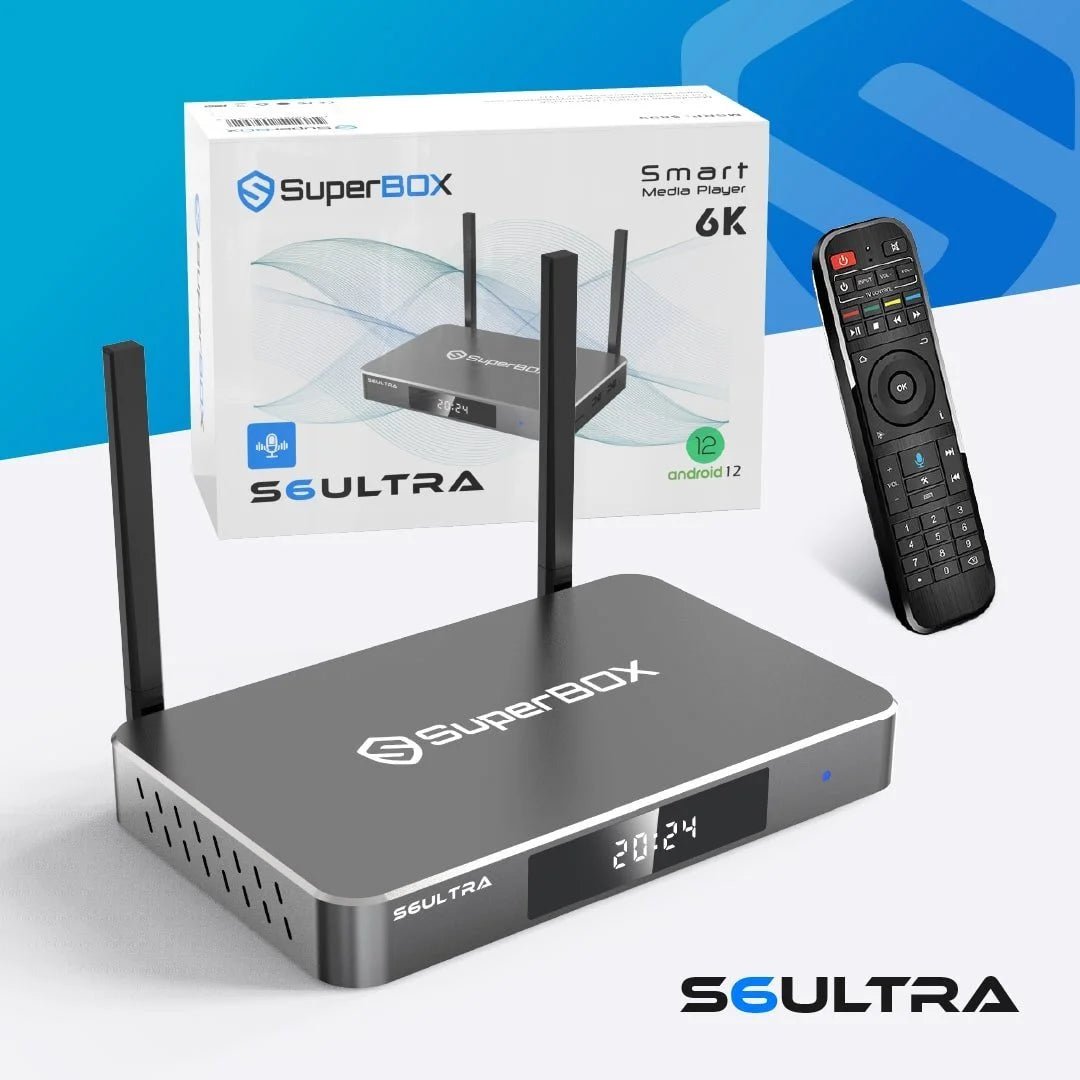
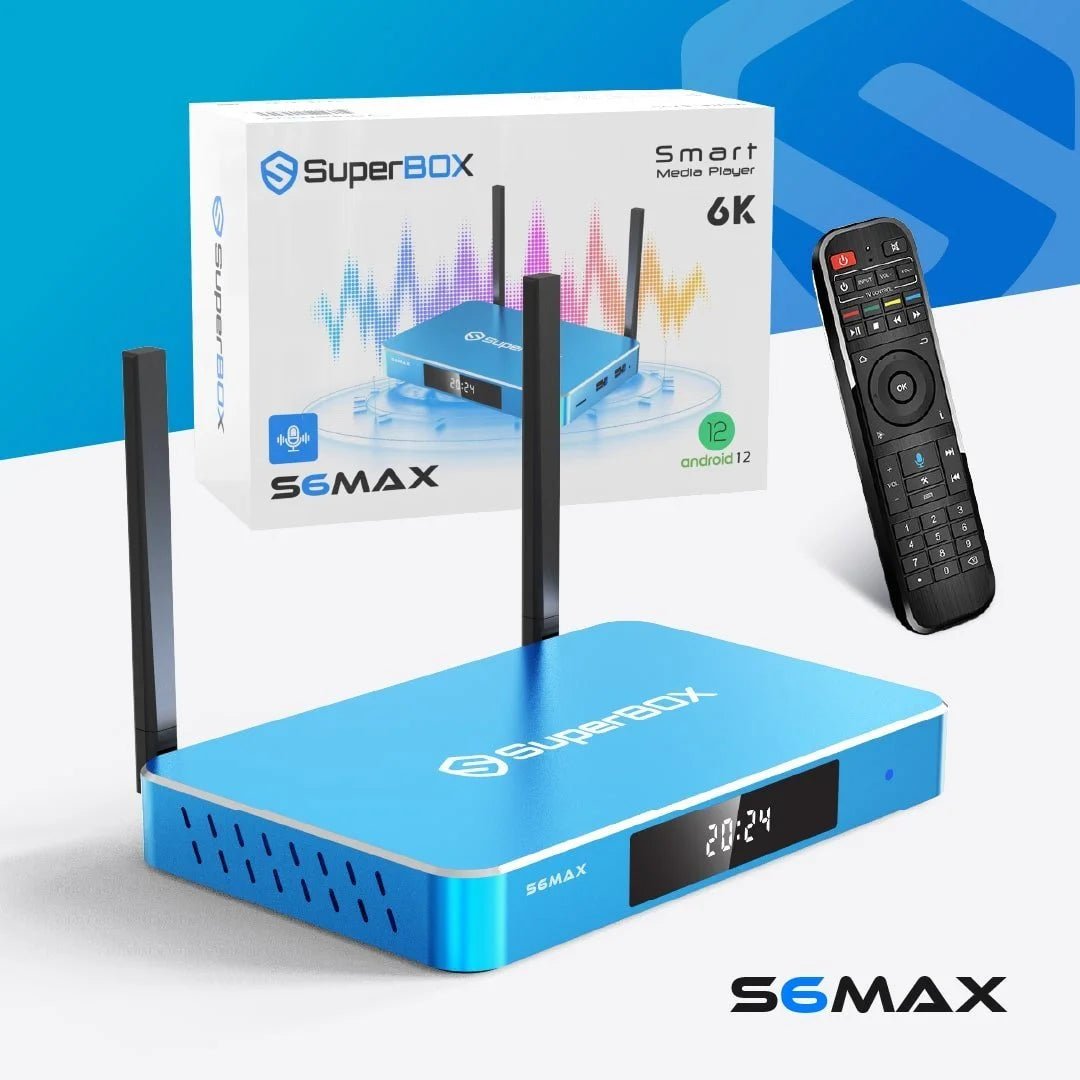
How to Set Up Your Super Streaming Box for the Best Streaming Experience

Setting up your device correctly is the key to unlocking the full potential of your super streaming box. Whether you’re new to streaming or upgrading your system, a proper setup ensures smooth performance, better picture quality, and a hassle-free experience.
Many users purchase a superbox streaming device but fail to optimize it, leading to buffering, lag, or poor usability. This guide is designed to walk you through everything step by step—from installation to troubleshooting—so you can get the best results from your super smart tv box max.
If you are just getting started or exploring your options, visiting official SuperBox streaming solutions can help you understand the available devices and features.
What Is a Super Streaming Box and How Does It Work?
A super streaming box is a compact device that connects to your television and allows you to stream digital content, access apps, and enjoy entertainment in one place.
Key Features
- Plug-and-play functionality
- Access to multiple streaming platforms
- High-definition playback
- User-friendly interface
Devices like the superbox s6 max and superbox s7 ultra are designed to deliver reliable performance and seamless navigation.
Step-by-Step Guide to Setting Up Your SuperBox Streaming Device
Step 1: Unbox and Check Components
Before starting, ensure you have:
- SuperBox device
- Power adapter
- HDMI cable
- Remote control
Step 2: Connect to Your TV
- Plug the HDMI cable into your TV
- Connect the other end to your super streaming box
- Switch your TV input to the correct HDMI port
Step 3: Power On the Device
- Connect the power adapter
- Turn on the device
- Wait for the system to boot up
Step 4: Connect to Wi-Fi
A stable internet connection is essential for smooth streaming.
- Go to settings
- Select Wi-Fi network
- Enter password
This step is crucial for optimizing your superbox streaming device performance.
Step 5: Configure Basic Settings
- Set language preferences
- Adjust display resolution
- Update system software
These settings ensure your super smart tv box max runs efficiently.
Optimizing Your Super Streaming Box for Best Performance
Improve Internet Speed
- Use high-speed Wi-Fi
- Place router close to device
- Avoid network congestion
Adjust Display Settings
- Select appropriate resolution
- Enable high-definition output
Keep Software Updated
Regular updates improve performance and fix bugs.
Best Setup Tips for SuperBox S6 Max and S7 Ultra
SuperBox S6 Max Setup Tips
- Ideal for basic streaming
- Use moderate resolution settings
- Optimize Wi-Fi for stable performance
SuperBox S7 Ultra Setup Tips
- Supports higher performance
- Enable advanced display settings
- Ideal for heavy streaming users
Both models benefit from proper setup and optimization.
Common Setup Mistakes to Avoid
- Incorrect HDMI input selection
- Weak internet connection
- Skipping software updates
- Overloading the device with apps
Avoiding these mistakes ensures your super streaming box performs at its best.
Troubleshooting Common Issues
Problem: No Signal on TV
- Check HDMI connection
- Switch input source
- Restart device
Problem: Slow Streaming or Buffering
- Check internet speed
- Restart router
- Reduce network usage
Problem: App Crashes
- Update apps
- Clear cache
- Restart device
These simple fixes can resolve most issues with your superbox streaming device.
Enhancing Your Streaming Experience
Use High-Quality Accessories
- HDMI cables
- Wireless keyboards
- External storage
Organize Your Apps
- Keep frequently used apps accessible
- Remove unnecessary apps
Customize Settings
- Adjust brightness and sound
- Set parental controls if needed
Explore Advanced Streaming Options
For users looking to upgrade performance and features, exploring advanced models can make a difference.
You can check SuperBox S6 Ultra advanced streaming features to see how premium devices enhance your experience.
Why Choosing the Right Super Streaming Box Matters
Selecting the right device ensures:
- Better performance
- Smooth streaming
- Long-term reliability
To compare available options and find the right fit, browse complete SuperBox device collection for detailed choices.
Long-Term Maintenance Tips
Keep Your Device Clean
Dust can affect performance over time.
Restart Regularly
Rebooting helps maintain smooth operation.
Monitor Storage
Avoid overloading your device with unnecessary apps.
Conclusion: Stream Smarter with the Right Setup
Setting up your super streaming box correctly is the foundation of a great entertainment experience. From connecting your device to optimizing performance, every step plays a role in ensuring smooth and enjoyable streaming.
Whether you are using a superbox s6 max, upgrading to a superbox s7 ultra, or exploring a super smart tv box max, following this guide will help you avoid common issues and get the best results.
If you need expert assistance or have questions about your setup, you can always contact SuperBox support for setup help and get professional guidance.
FAQ
How do I set up a super streaming box?
Connect the device to your TV using an HDMI cable, power it on, and connect to Wi-Fi. Follow the on-screen steps to complete setup and start streaming.
Why is my superbox streaming device buffering?
Buffering usually happens due to slow internet or network congestion. Using a stable connection and limiting other devices can improve performance.
Can I use a super smart tv box max with any TV?
Yes, any TV with an HDMI port can support it. Most modern televisions allow quick and easy setup without additional tools.
What is the difference between superbox s6 max and superbox s7 ultra?
The S6 Max is ideal for basic use, while the S7 Ultra offers higher speed, better performance, and advanced features for heavy streaming.
How do I improve streaming quality?
Use a strong internet connection, update your device regularly, and adjust display settings to match your TV’s resolution.
Schedule An Appointment
Experience next-gen streaming with the SuperBox S7 Prime, Available in a striking Cosmic Orange. Mirroring the high-performance specs of the SuperBox S7 Ultra, this device features Android 12, WiFi 6, and stunning 6K Ultra HD support.