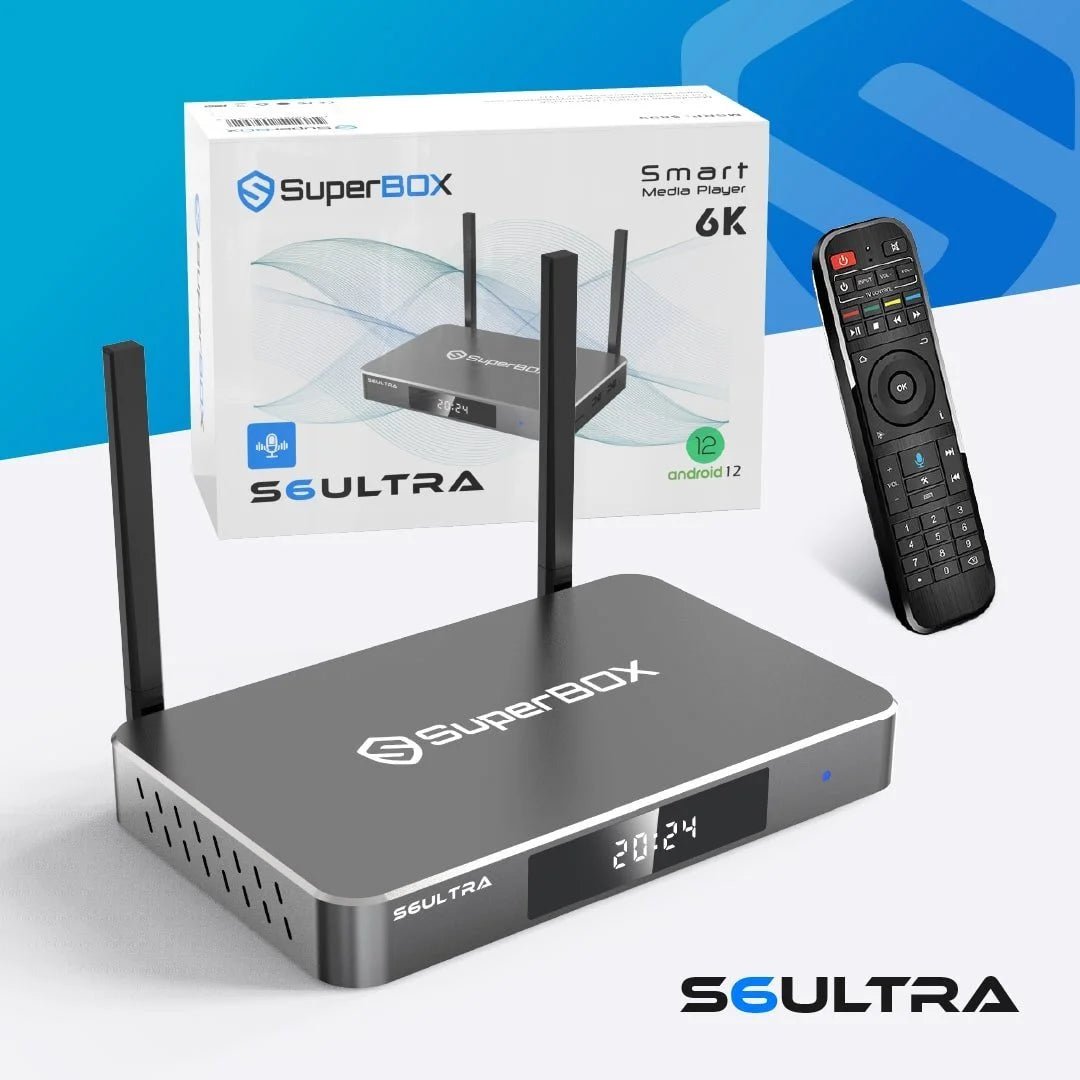
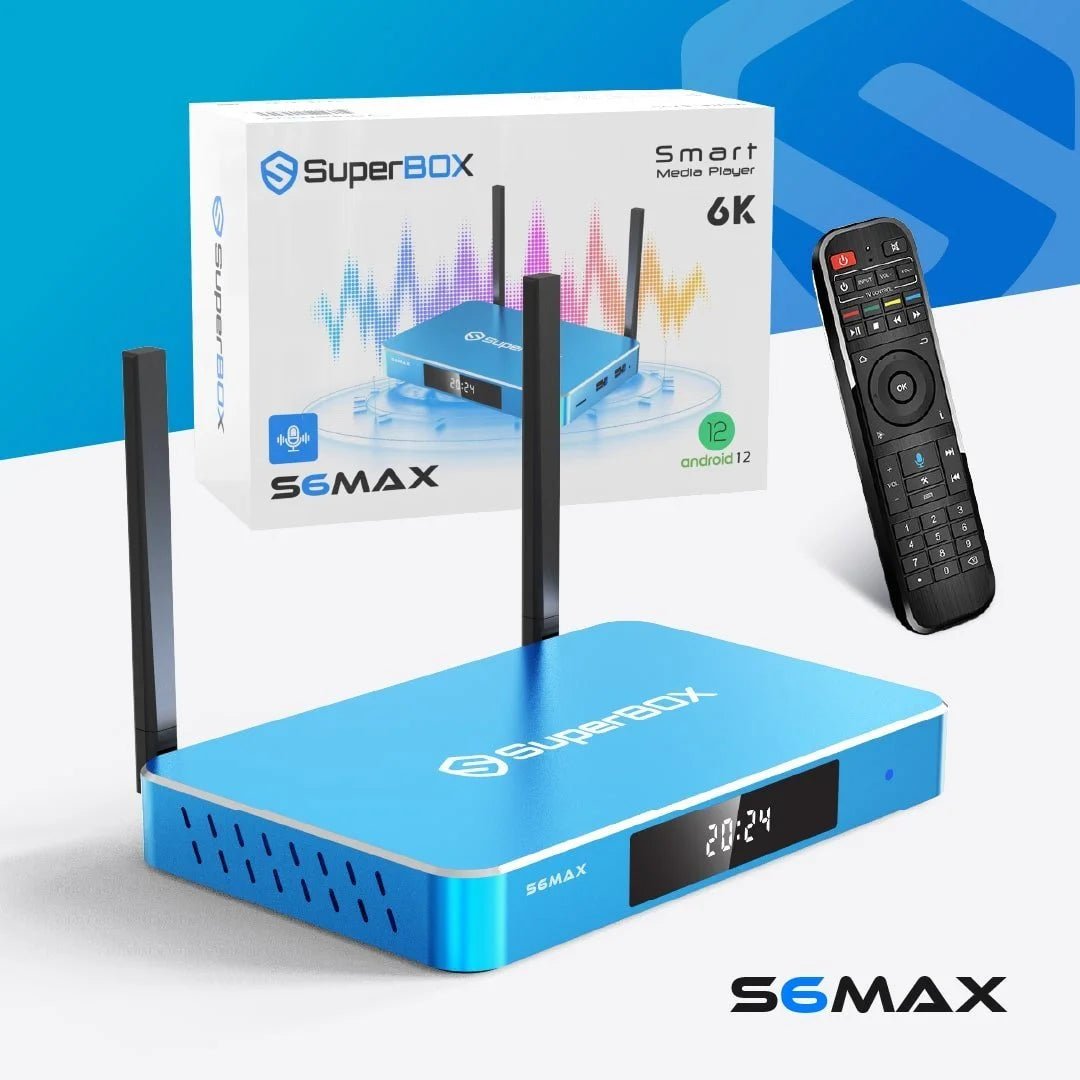
Maximizing Your SuperBox Performance: Speed, Updates, and Streaming Tips
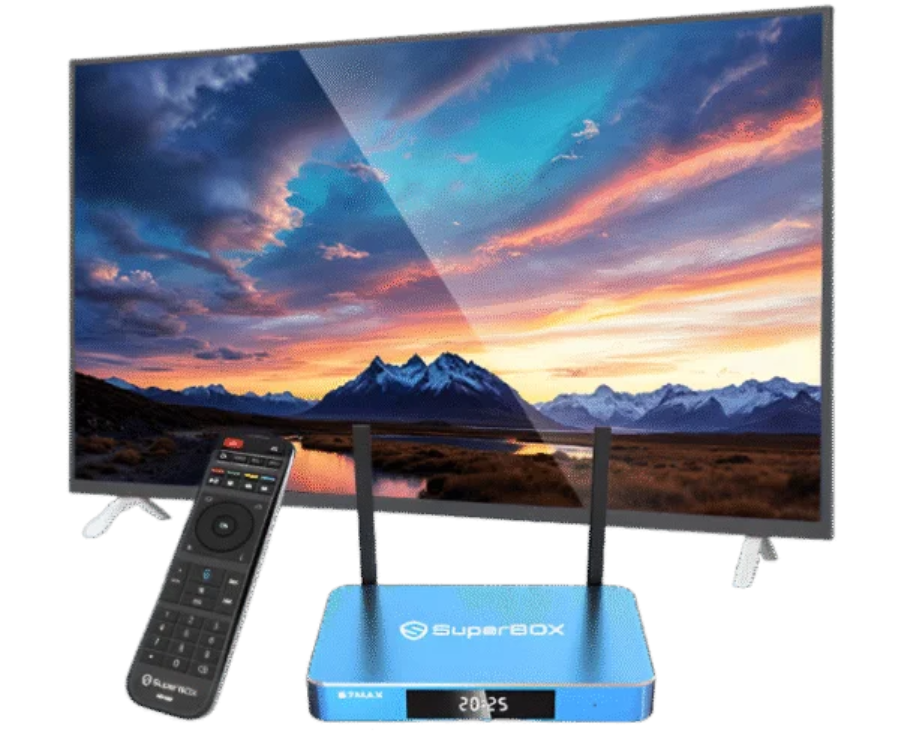
Streaming technology has completely changed how modern households enjoy entertainment. Instead of relying on traditional cable systems, users now expect instant access to movies, live television, sports, applications, and on-demand content through powerful streaming systems. However, even advanced entertainment devices require proper maintenance and optimization to deliver the best possible experience. That is why learning how to maximize your super smart tv box max is essential for smooth streaming, faster speeds, and long-term performance.
Many streaming users experience occasional issues such as buffering, slow loading times, application freezing, lagging navigation, or connectivity interruptions. In many cases, these problems are not caused by the device itself but by outdated software, poor network optimization, overloaded storage, or incorrect settings.
Whether you currently use a superbox s6 max, superbox s7 max, or the more advanced superbox s7 ultra, optimizing your streaming setup can significantly improve performance and create a better home entertainment experience.
Modern users expect streaming systems to provide:
- Faster application loading
- Stable connectivity
- High-definition playback
- Reliable performance
- Smart home compatibility
- Easy navigation
When properly maintained, a super streaming box can deliver all these benefits while reducing interruptions and improving entertainment quality.
Many users rely on official SuperBox streaming solutions and support to maintain device performance, access updated technology, and improve their home entertainment systems with reliable streaming capabilities.
This guide explains how to maximize SuperBox performance through software updates, internet optimization, speed improvements, troubleshooting techniques, device maintenance, and streaming best practices for long-term entertainment reliability.
Why Streaming Optimization Matters
Streaming performance directly affects user satisfaction. Even advanced entertainment devices can become frustrating if they frequently buffer, freeze, or respond slowly.
Proper optimization helps improve:
- Streaming quality
- Device responsiveness
- Navigation speed
- App performance
- Playback stability
- Long-term functionality
A well-maintained super smart tv box max provides smoother and more reliable entertainment experiences while reducing common technical problems.
Many users underestimate how much proper optimization can improve overall streaming quality and device longevity.
Understanding Your SuperBox Streaming System
Before optimizing performance, users should understand the capabilities of their entertainment device.
Modern SuperBox systems such as the superbox s6 max and superbox s7 max are designed to support:
- Smart TV functionality
- Streaming applications
- High-definition entertainment
- Wireless connectivity
- User-friendly navigation
- Smart entertainment setups
The superbox s7 ultra offers additional performance enhancements for users seeking more advanced streaming capabilities and faster responsiveness.
While each device model may vary slightly in specifications, many optimization strategies apply across all SuperBox streaming systems.
Keep Your Device Software Updated
One of the most important ways to improve streaming performance is keeping your software updated.
Software updates often include:
- Bug fixes
- Security improvements
- Streaming optimizations
- Performance enhancements
- Compatibility upgrades
Outdated software can lead to slower operation, unstable applications, and connectivity issues.
Users should regularly check for updates through device settings to ensure their super streaming box continues operating efficiently.
Routine updates help devices stay compatible with evolving streaming applications and entertainment platforms.
Why Updates Improve Device Speed
Many users delay software updates because their streaming device appears to work normally. However, updates frequently improve hidden system functions that affect speed and reliability.
Software improvements may help:
- Reduce buffering
- Improve loading times
- Enhance playback quality
- Increase app stability
- Improve system responsiveness
Updating your super smart tv box max regularly is one of the easiest ways to maintain strong streaming performance.
Optimize Your Internet Connection
Internet quality plays a major role in streaming performance.
Even advanced streaming systems can struggle if internet speeds are inconsistent or overloaded. Weak connectivity often causes:
- Buffering
- Playback interruptions
- Slow navigation
- Reduced video quality
- Application lag
Improving internet stability can dramatically improve the performance of your superbox s7 max or superbox s7 ultra.
To optimize connectivity:
- Position your router closer to the device
- Restart your router regularly
- Reduce network congestion
- Upgrade outdated networking equipment
- Minimize interference from electronics
Reliable internet is essential for uninterrupted streaming.
Wired Connections vs Wi-Fi
Wireless streaming is convenient, but wired Ethernet connections often provide more stable performance.
Wi-Fi networks may experience:
- Signal interference
- Speed fluctuations
- Connectivity instability
- Congestion from multiple devices
A wired connection may improve streaming consistency for users who prioritize maximum performance from their superbox s7 ultra or superbox s6 max.
However, optimized Wi-Fi networks can still deliver excellent streaming quality for many households.
Reduce Network Congestion
Streaming quality can decline when too many devices use internet bandwidth simultaneously.
Common bandwidth-heavy activities include:
- Video conferencing
- Online gaming
- Large downloads
- Cloud syncing
- Multiple streaming sessions
Reducing unnecessary network activity can help your super streaming box perform more efficiently.
Families with heavy internet usage may benefit from higher-speed internet plans designed to support multiple simultaneous users.
Clear Cache and Unused Files
Streaming devices naturally accumulate temporary files and cached data over time.
Excessive stored data may cause:
- Slower navigation
- Delayed application loading
- Reduced responsiveness
- Storage limitations
Regular maintenance helps keep your super smart tv box max operating smoothly.
Users should periodically:
- Clear cached files
- Remove unused apps
- Delete unnecessary downloads
- Restart the device regularly
Simple maintenance routines can improve both speed and stability.
Restart Your Device Regularly
Many users leave streaming systems running continuously for extended periods. While convenient, this can reduce performance over time.
Restarting your superbox s7 max or superbox s6 max regularly helps:
- Refresh system memory
- Clear temporary processes
- Improve responsiveness
- Stabilize applications
A quick restart can often resolve minor performance problems without requiring advanced troubleshooting.
Manage Background Applications
Running too many applications simultaneously may reduce streaming speed and overall responsiveness.
Closing unused background applications can:
- Free system memory
- Improve performance
- Reduce lagging
- Increase streaming stability
Performance optimization becomes especially important for households using multiple streaming platforms regularly.
Improve Streaming Quality Settings
Some users experience buffering because their video quality settings exceed their internet capabilities.
Streaming quality settings affect:
- Bandwidth usage
- Playback smoothness
- Loading times
- Streaming stability
Users with slower internet connections may benefit from lowering video quality settings slightly to reduce interruptions.
Balanced streaming settings often provide smoother playback while maintaining strong visual quality.
Why Device Placement Matters
Physical placement can affect both streaming quality and wireless connectivity.
For better performance:
- Keep the device well-ventilated
- Avoid enclosed cabinets
- Minimize signal obstructions
- Position near strong Wi-Fi coverage
Proper ventilation also helps prevent overheating, which may reduce long-term device performance.
Optimize Smart Home Integration
Modern streaming systems often connect with:
- Smart televisions
- Wireless audio systems
- Bluetooth accessories
- Voice assistants
Optimizing smart home connectivity can improve the overall entertainment experience while reducing compatibility issues.
The superbox s7 ultra is particularly popular among users building advanced smart entertainment setups because of its enhanced performance and connectivity capabilities.
Why Streaming Speed Affects Entertainment Quality
Streaming speed affects far more than loading times.
Faster and more stable systems help improve:
- Video playback smoothness
- Audio synchronization
- Navigation responsiveness
- Application reliability
A properly optimized super smart tv box max creates a more enjoyable viewing experience overall.
Troubleshooting Common Streaming Problems
Even well-maintained streaming systems may occasionally experience technical issues.
Common problems include:
- Buffering
- Frozen screens
- App crashes
- Delayed responses
- Connectivity interruptions
Many issues can be resolved by:
- Restarting the device
- Updating software
- Checking internet connectivity
- Clearing cache files
- Reinstalling problematic applications
Troubleshooting simple issues early can help prevent larger performance problems later.
Why Performance Maintenance Matters Long-Term
Entertainment devices operate best when maintained consistently.
Long-term optimization helps:
- Extend device lifespan
- Maintain strong streaming quality
- Improve reliability
- Reduce technical issues
Users who maintain their super streaming box regularly often experience fewer interruptions and better overall performance over time.
Comparing SuperBox Device Performance
Different SuperBox models offer slightly different performance capabilities depending on user needs.
The superbox s6 max is widely appreciated for balanced streaming performance and user-friendly operation.
The superbox s7 max offers upgraded processing power and enhanced responsiveness for users seeking improved streaming speed.
The superbox s7 ultra is often preferred by advanced users looking for premium entertainment performance and more powerful streaming capabilities.
Users interested in comparing features and specifications can explore the SuperBox S6 Max streaming device and the SuperBox S7 Ultra entertainment system to determine which model best matches their entertainment goals.
Why Smart Streaming Systems Continue Growing
Consumers increasingly prefer smart streaming systems because they provide:
- Greater entertainment flexibility
- Personalized viewing experiences
- Smart home integration
- On-demand content access
- Simplified entertainment management
Streaming systems continue evolving as households prioritize convenience, digital accessibility, and connected entertainment environments.
Best Habits for Long-Term Streaming Performance
Maintaining strong streaming performance involves consistent habits.
Users should regularly:
- Update software
- Restart devices
- Monitor internet quality
- Clear unused data
- Optimize network settings
Small maintenance routines can significantly improve device reliability and long-term entertainment quality.
Conclusion
Maximizing your super smart tv box max performance is one of the best ways to improve streaming quality, device responsiveness, and overall entertainment satisfaction. Whether you own a superbox s6 max, superbox s7 max, or superbox s7 ultra, proper optimization can help reduce buffering, improve navigation speed, and create a more stable streaming experience.
From maintaining software updates and improving internet connectivity to clearing storage and managing background applications, simple adjustments can dramatically enhance streaming reliability and long-term device performance.
Modern streaming systems are designed to provide convenience, flexibility, and powerful entertainment capabilities, but consistent maintenance is essential for achieving the best results.
If you are ready to optimize your entertainment setup or need assistance with your streaming system, visit the SuperBox customer support page for expert guidance and additional support today.
Frequently Asked Questions
How can I improve my Super Smart TV Box Max speed?
You can improve speed by updating software, clearing cache files, restarting the device, and optimizing internet connectivity.
Why does my super streaming box buffer frequently?
Buffering is often caused by slow internet speeds, network congestion, outdated software, or overloaded device storage.
How often should I update my SuperBox device?
Users should regularly check for software updates to maintain performance, security, and streaming compatibility.
Does restarting the device help performance?
Yes, restarting your streaming system can refresh memory and improve overall responsiveness.
Is Ethernet better than Wi-Fi for streaming?
Wired Ethernet connections often provide more stable streaming performance compared to wireless connections.
Schedule An Appointment
Experience next-gen streaming with the SuperBox S7 Prime, Available in a striking Cosmic Orange. Mirroring the high-performance specs of the SuperBox S7 Ultra, this device features Android 12, WiFi 6, and stunning 6K Ultra HD support.